|
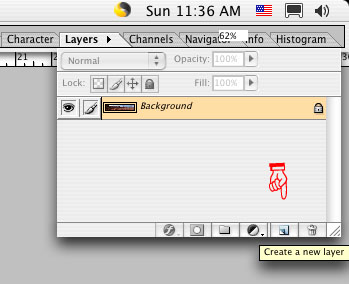
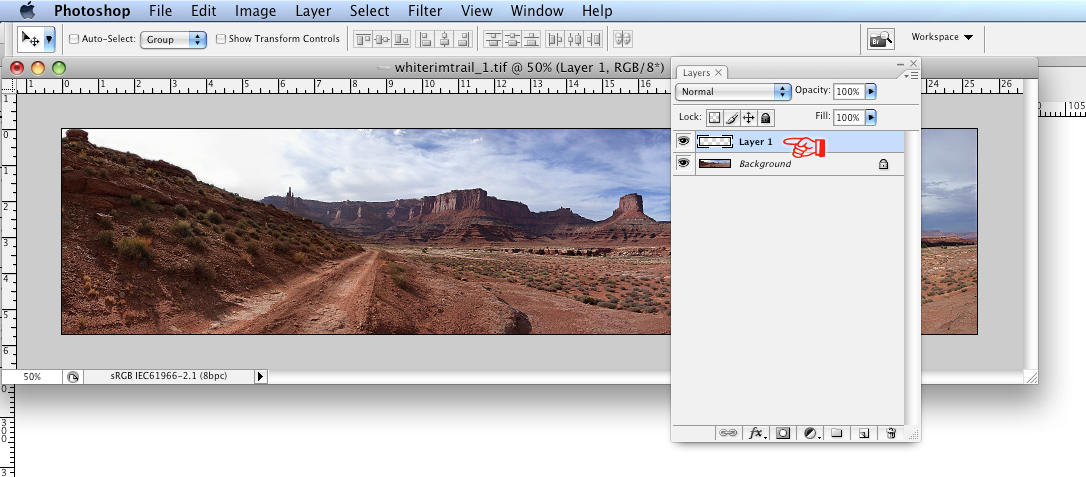
At last, it's time to try out your new tool! 5) This next step is important: Go into the Layers palette (if it is not already open in your Photoshop workspace go to the menu bar on top: Window > Layers) and make a new layer. Click on the 'Create a new layer' icon at the bottom of the window. |
|
|
||
|
The Phoenix Lightroom Enterprise | Location Scouting Services | RoundWorld | Wassup | Contact |
||