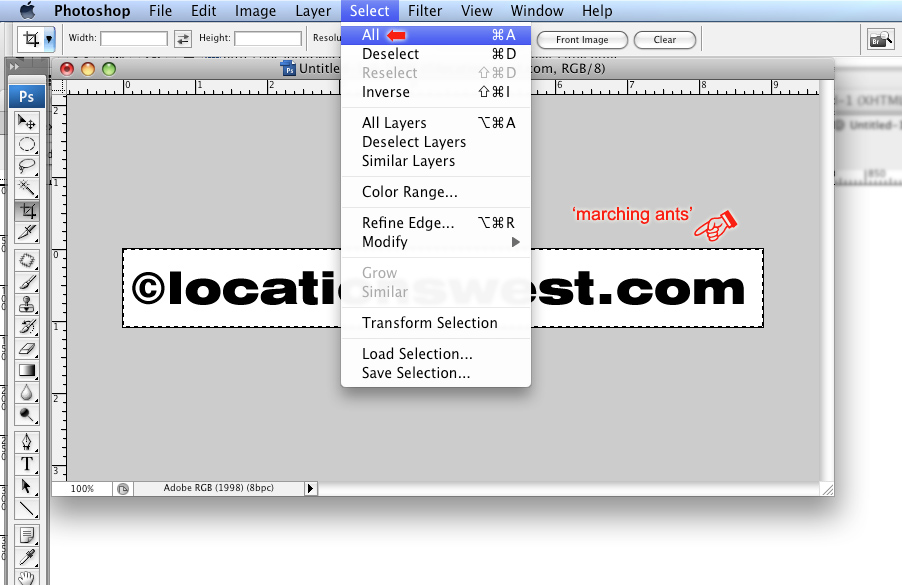
3) Crop the document to leave a bit of space around your text 'ID'; then go to the Select drop-down in the Photoshop menu bar and choose 'All'. |
3) Crop the document to leave a bit of space around your text 'ID'; then go to the Select drop-down in the Photoshop menu bar and choose 'All'. |